Download and Import Virtual Machine
To simplify Yocto development and ensure a fully configured build environment, Engicam provides a Virtual Machine (VM). Using the VM allows you to avoid installing all dependencies manually and guarantees that your build environment matches Engicam’s official setup.
Download the VM
Start by downloading the compressed VM file from the following link.
Once downloaded:
- Move the file to a folder of your choice (remember the path — you'll need it later).
- Right-click the file and extract it using 7zip.
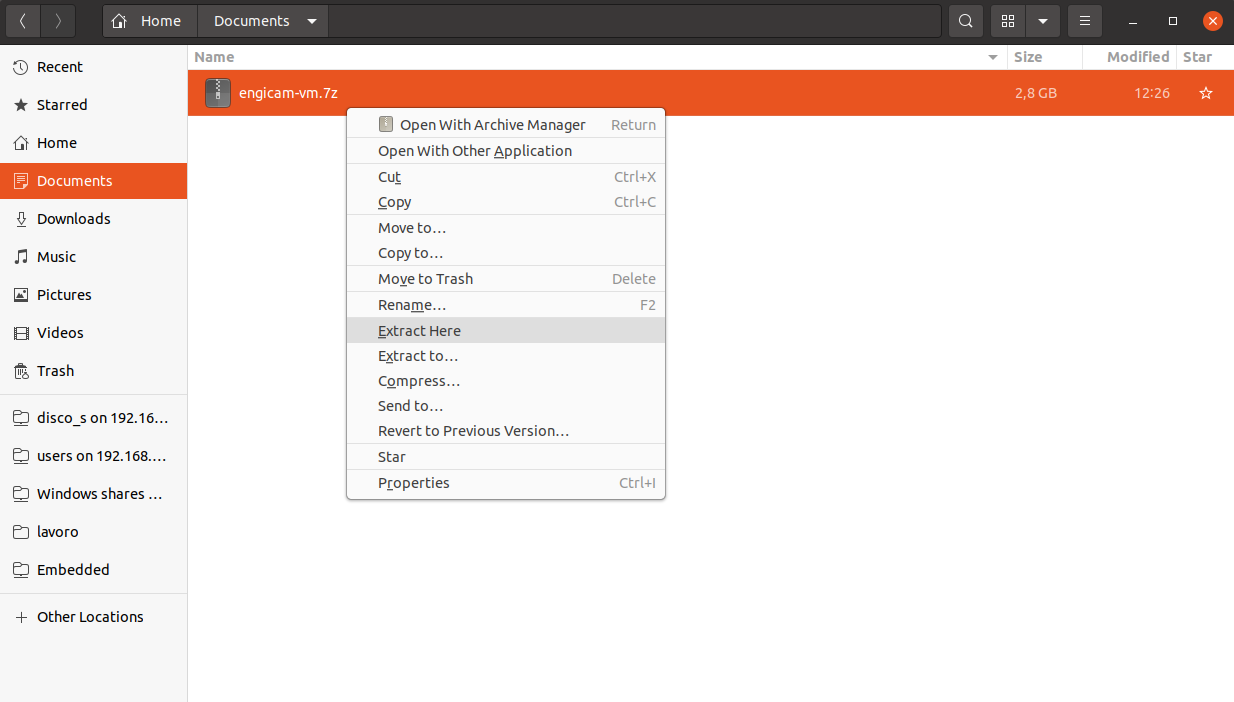
Tip: If you don’t have 7zip, download it from https://www.7-zip.org/download.html.
Prepare Your Virtualization Software
The Engicam VM can be used with either VirtualBox or VMware. Make sure you have one of these installed:
Linux
To install VMware on Linux, navigate to the downloaded file and run:
Replacexxxx-xxxx with the software version and .architecture with your system architecture.
Import the Virtual Machine
- Open VirtualBox. This is the main interface:
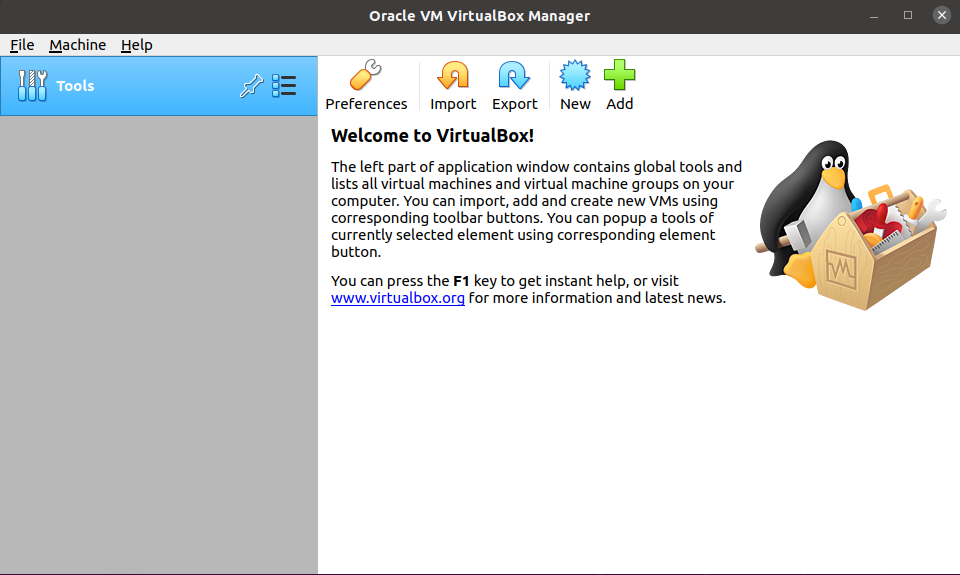
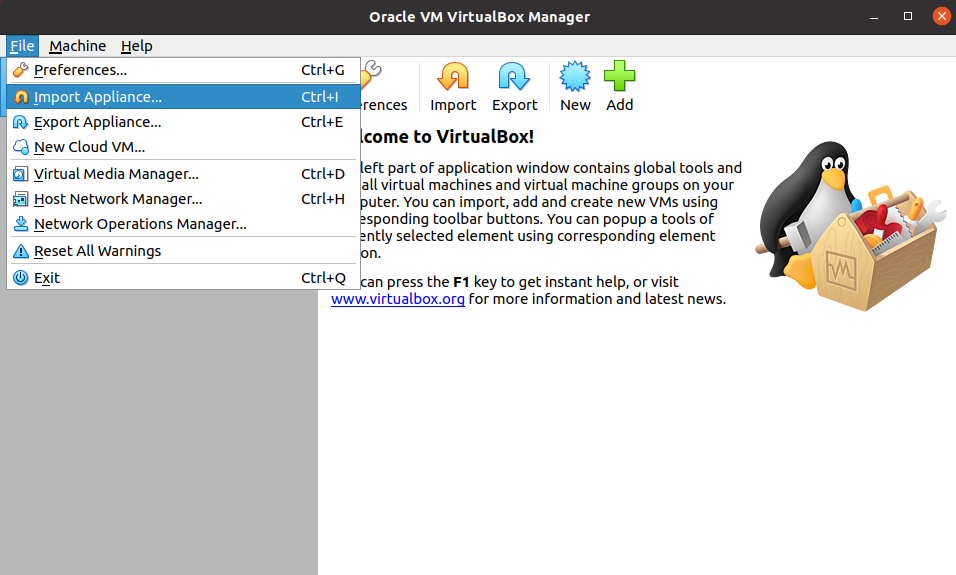
- Go to File → Import Appliance:
- Select your extracted
.ovafile (for example,engicam-vm.ova) and click Next → Import:
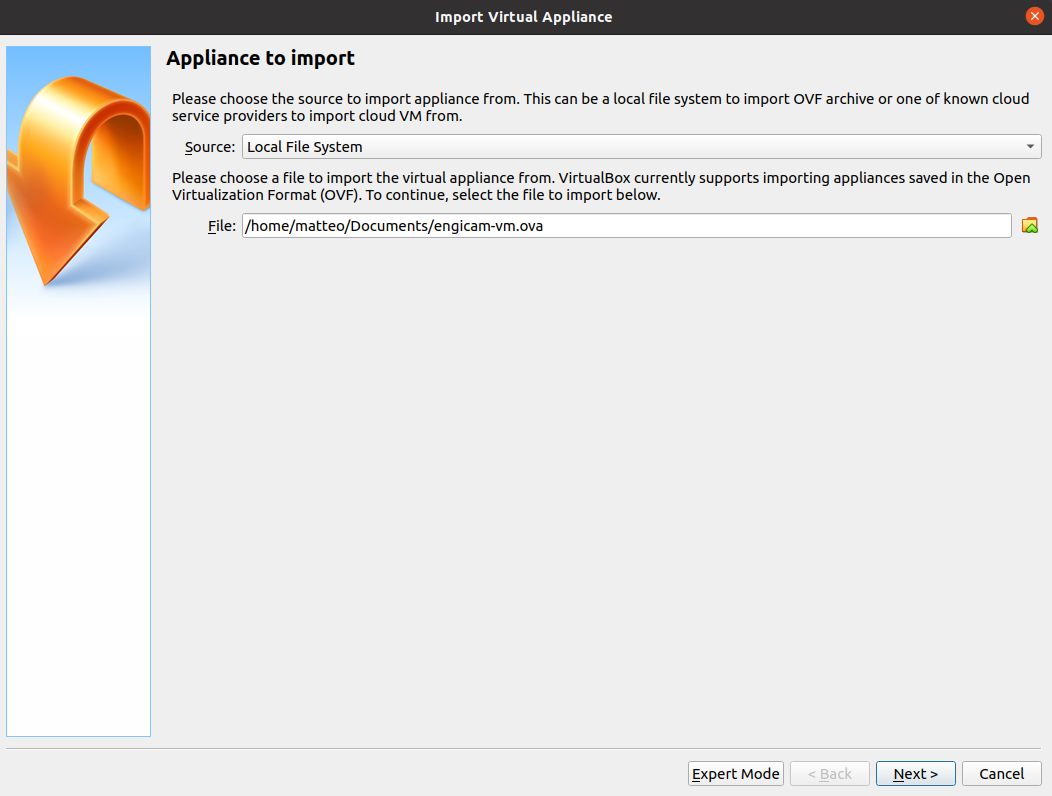
- Once the import completes, your VM is ready to use:
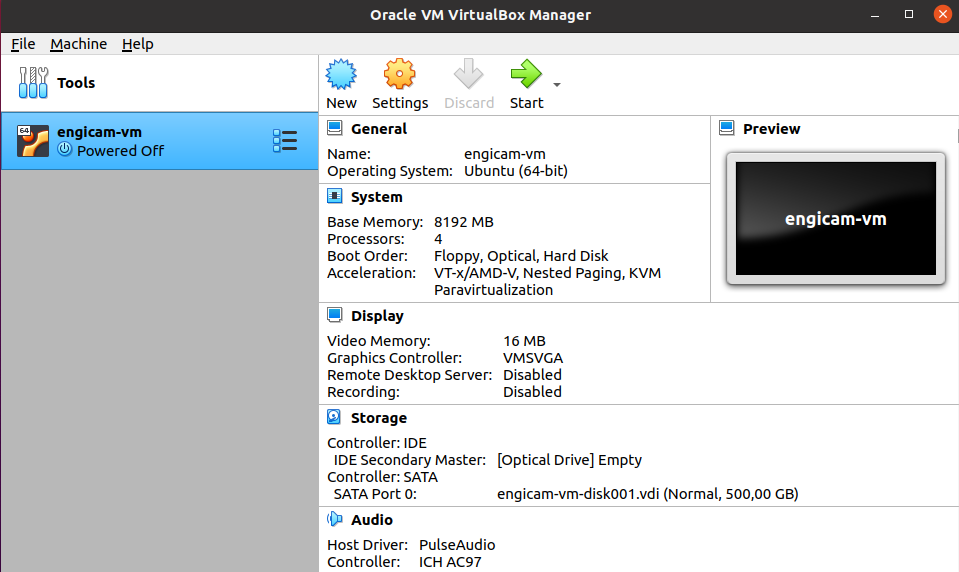
- Open VMware Workstation Player:
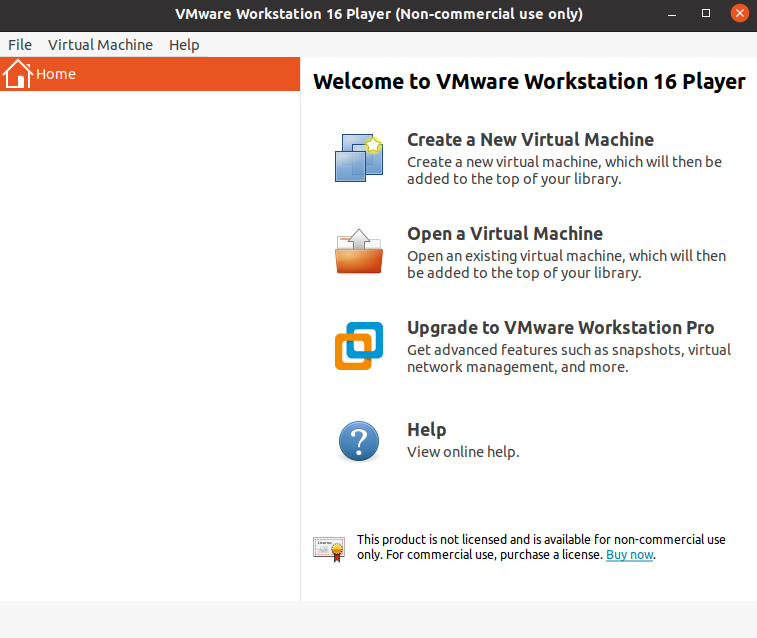
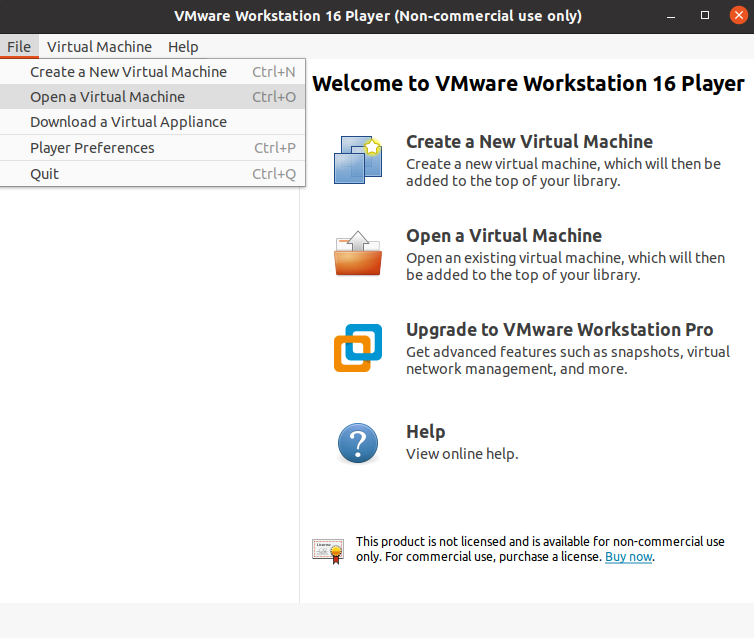
- Select File → Open a Virtual Machine:
- Browse to the
engicam-vm.ovafile and click Open:
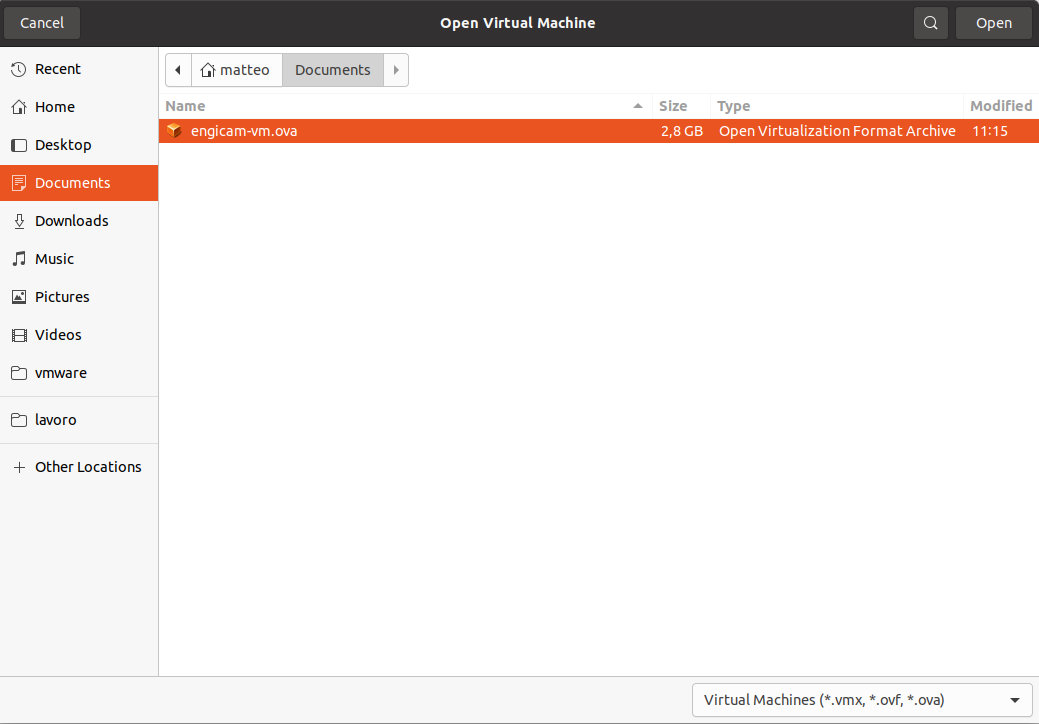
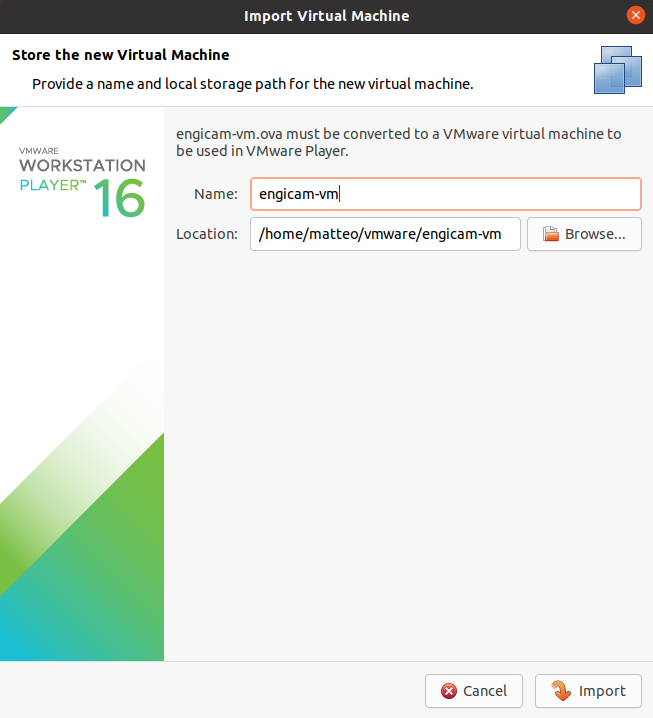
- A new window appears — click Import. VMware will perform OVF and hardware compliance checks. A progress bar shows the import status:
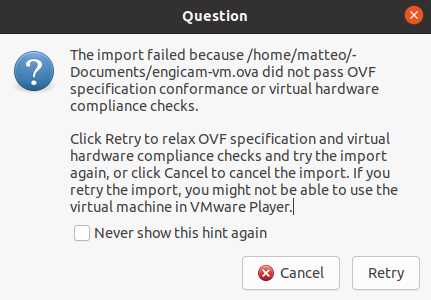
- If the import fails, click Retry to relax compliance checks:
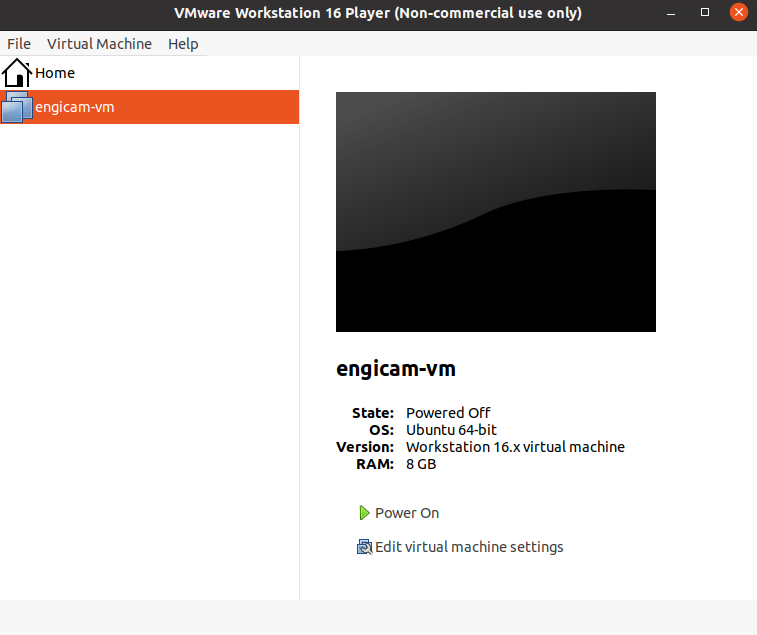
- After completion, your VM is ready to use:
Virtual Machine Requirements
To compile a Yocto image smoothly, ensure your VM meets these minimum specifications:
| Resource | Minimum Requirement |
|---|---|
| Memory | 12 GB |
| Processors | 4 |
Tip
More memory and CPU cores will improve build performance and reduce compilation time.